This guide explains how to place a new order with Green Trail Hosting. You can order website hosting with a domain, hosting for a domain registered elsewhere, or a domain by itself.
New Customers
Go to greentrailhosting.com and select Start Your Journey.

Existing Customers
Existing customers can start from the Green Trail Hosting website or place an order directly through the billing console.
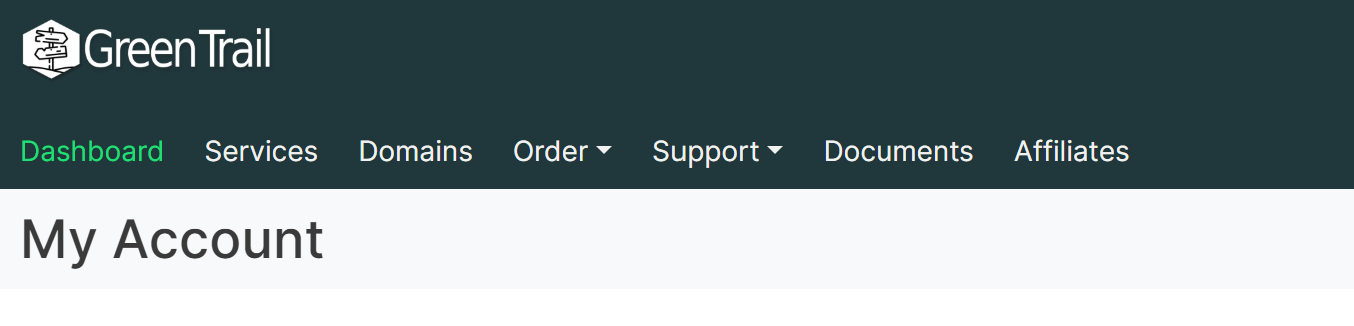
- Go to billing.greentrailhosting.com and sign in.
- In the navigation bar, select Order.
- Select New Order.
Choose What You Want to Order
On the main order page, select the option that best matches your needs:
-
Website Hosting
Select this option when you need website hosting and want to register or transfer a domain as part of the order. -
Website Hosting with No Domain
Select this option when you already have a domain registered with another provider and do not want to transfer it to Green Trail Hosting. -
Domain Only
Select this option when you only want to register or transfer a domain and do not need website hosting.
Search for a Domain
After selecting Website Hosting, you will be taken to the domain search page.
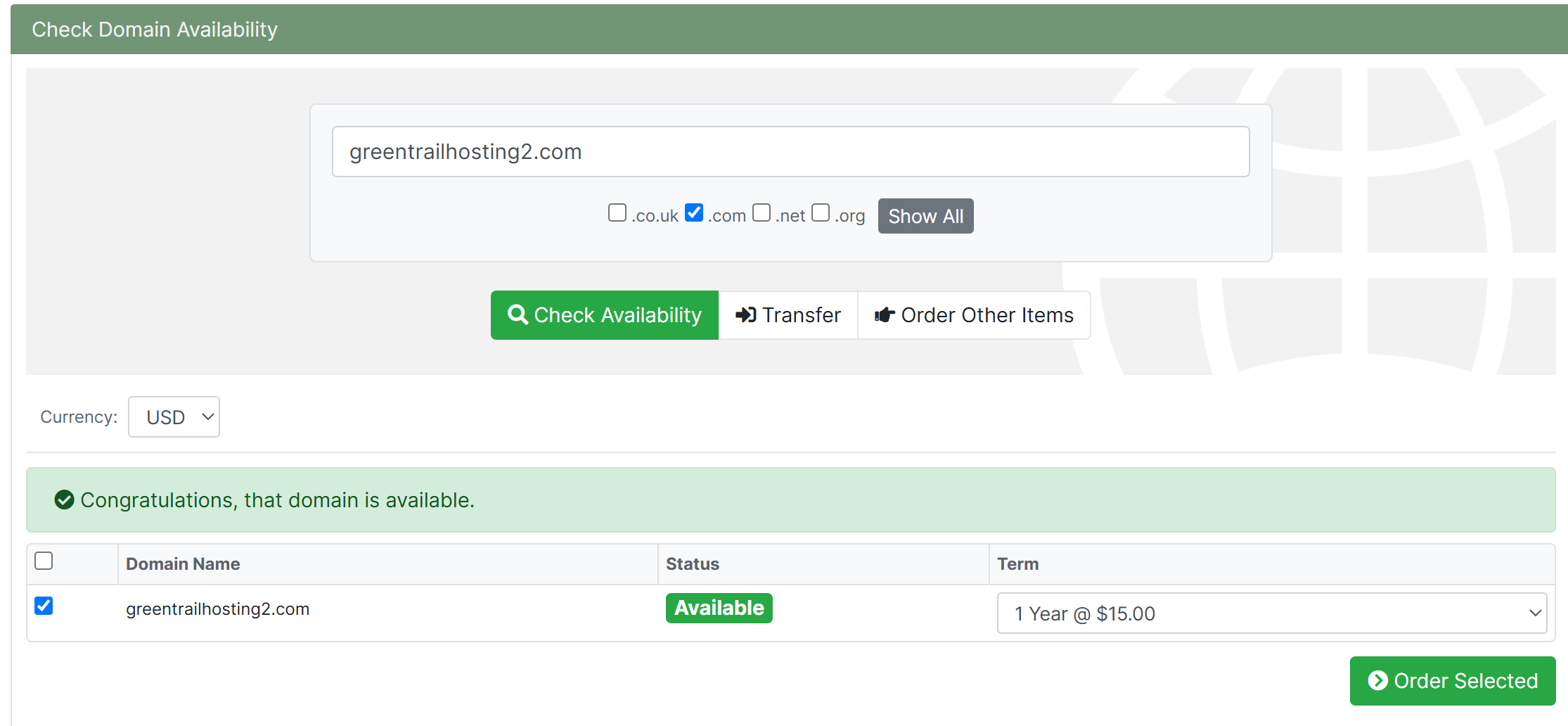
Enter the domain name you would like and select Search. The results will show whether the domain is available and its yearly registration cost.
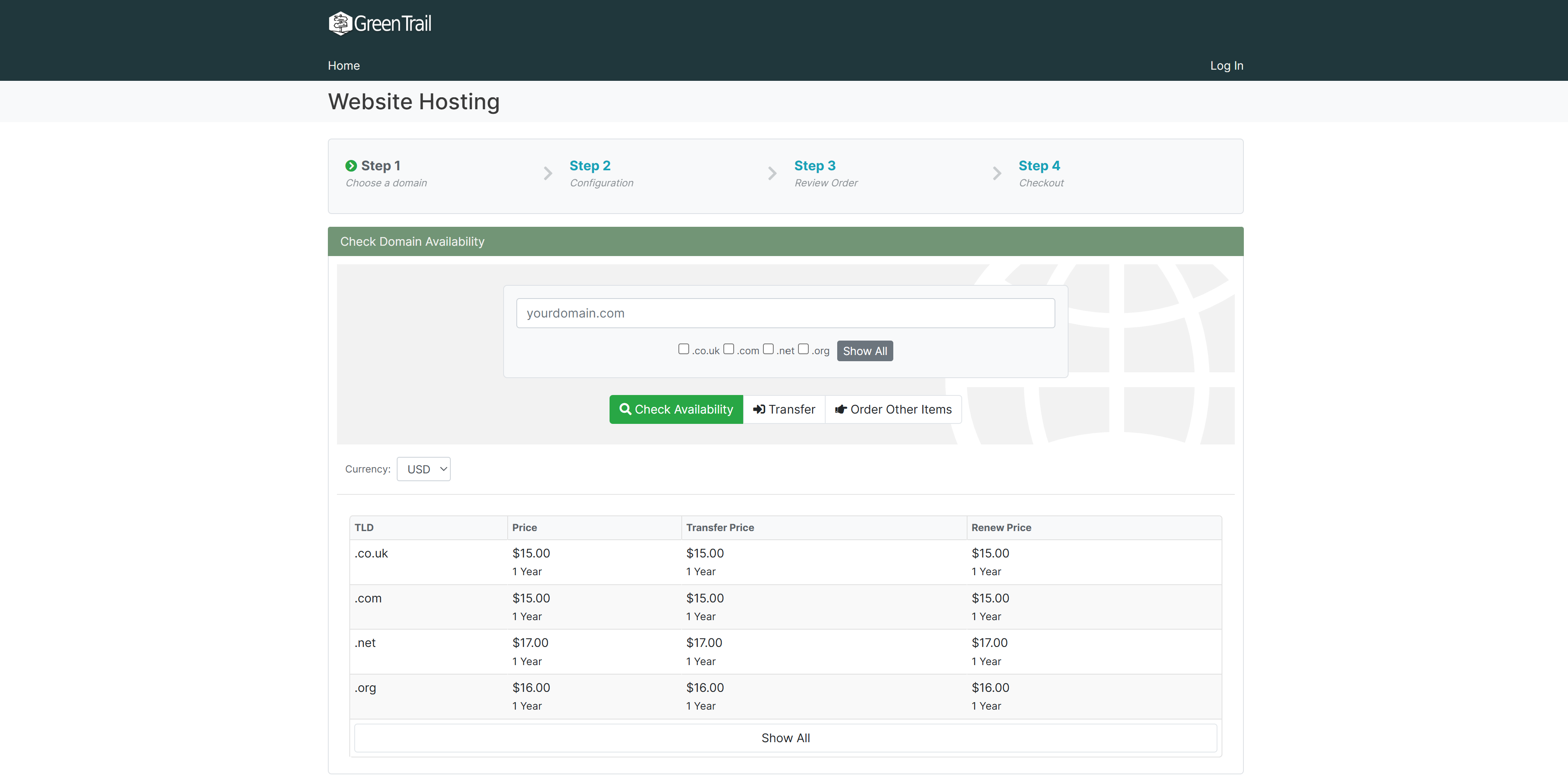
If you already own a domain and are ready to transfer it to Green Trail Hosting, select the Transfer button and enter the domain name you want to transfer.
Select Your Domain
Once you find the domain you want, select it and click Order Selected.
Review the Domain Configuration
The domain configuration page displays the nameservers that will be assigned to the domain.
If Green Trail Hosting will manage both your domain and hosting, you normally do not need to change anything. Review the information and select Next.
Configure Your Services
On the service configuration page, select the services you want to include with your order:
- Hosting: Select this option when you want to host a website. Hosting is required to store and publish a website through Green Trail Hosting.
- DNS Management: Select this option when you only want Green Trail Hosting to manage the DNS records for your domain and do not need website hosting.
Review Your Cart
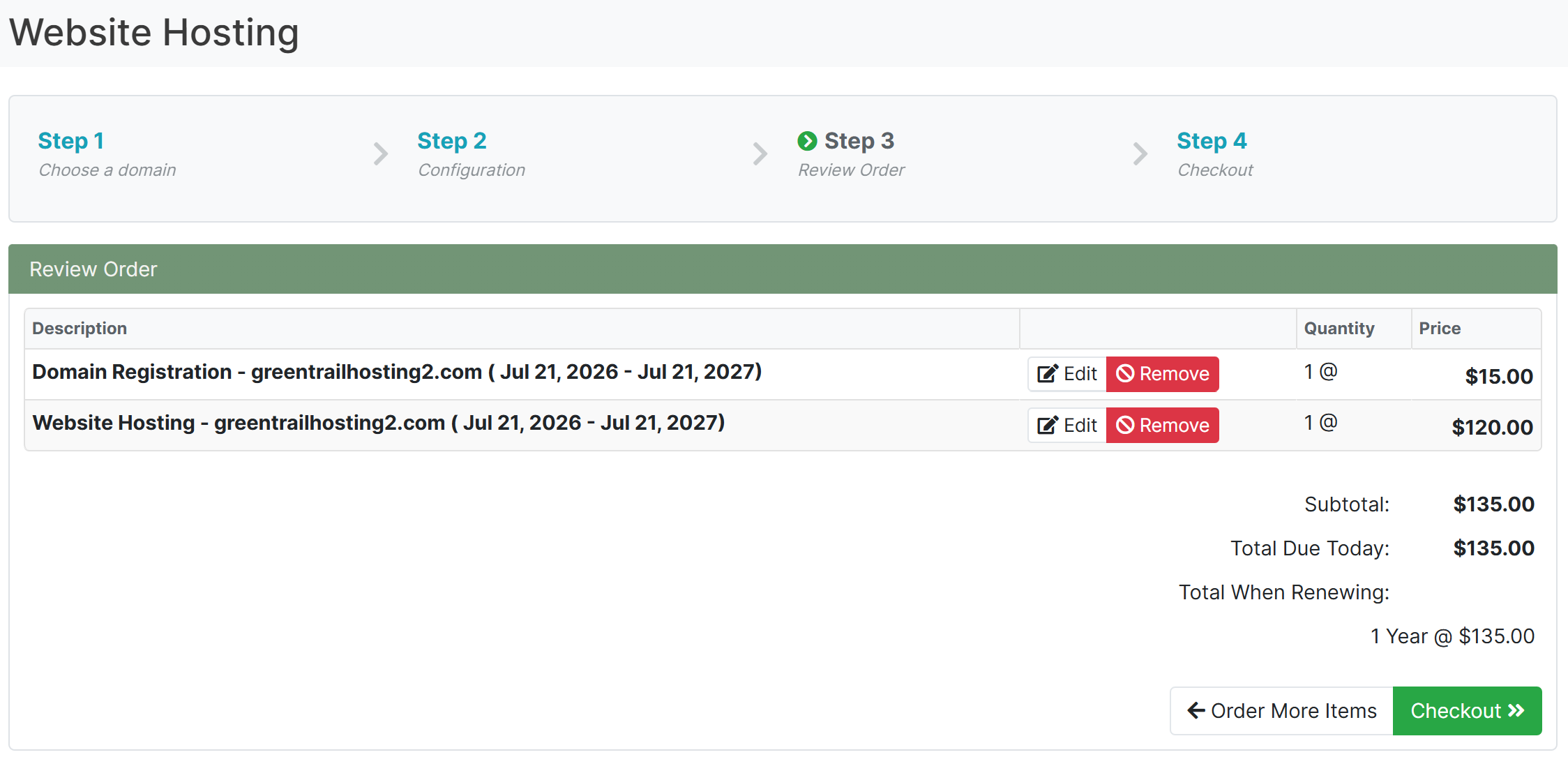
After configuring your services, you will be taken to your shopping cart.
Review the following information before continuing:
- The selected domain name
- The domain registration or transfer period
- The selected hosting or DNS service
- Any setup fees or recurring charges
- The total cost of the order
When everything is correct, continue to checkout.
Complete Checkout
New customers will need to enter their contact, account, and billing information. This information will be used to create a new Green Trail Hosting account.
Create a secure password and verify that your email address is correct. Important account, billing, and service notifications will be sent to this address.
Existing customers can sign in to their current account if they are not already logged in. They may then be prompted to select existing contact details and a saved billing method.
Review the order total, billing information, and any applicable terms. Submit the order when you are ready to complete the purchase.
Order Successful
After checkout is completed successfully, you will see an order confirmation page. You may also receive confirmation and service activation emails.
Some services may be available immediately. Domain registrations, domain transfers, payment reviews, or service provisioning may require additional processing.
For help accessing and managing your new services, see Logging into Billing Portal or Sign In to the Service Console for the next steps in your journey.