There are two ways to log in to the Green Trail Hosting Service Console: through your billing portal or by visiting the Service Console directly.
Log In Through the Billing Portal
Log in to the Green Trail Hosting billing portal and scroll down to the Services section.
Open the drop-down menu for the service you want to manage, then select Log In.
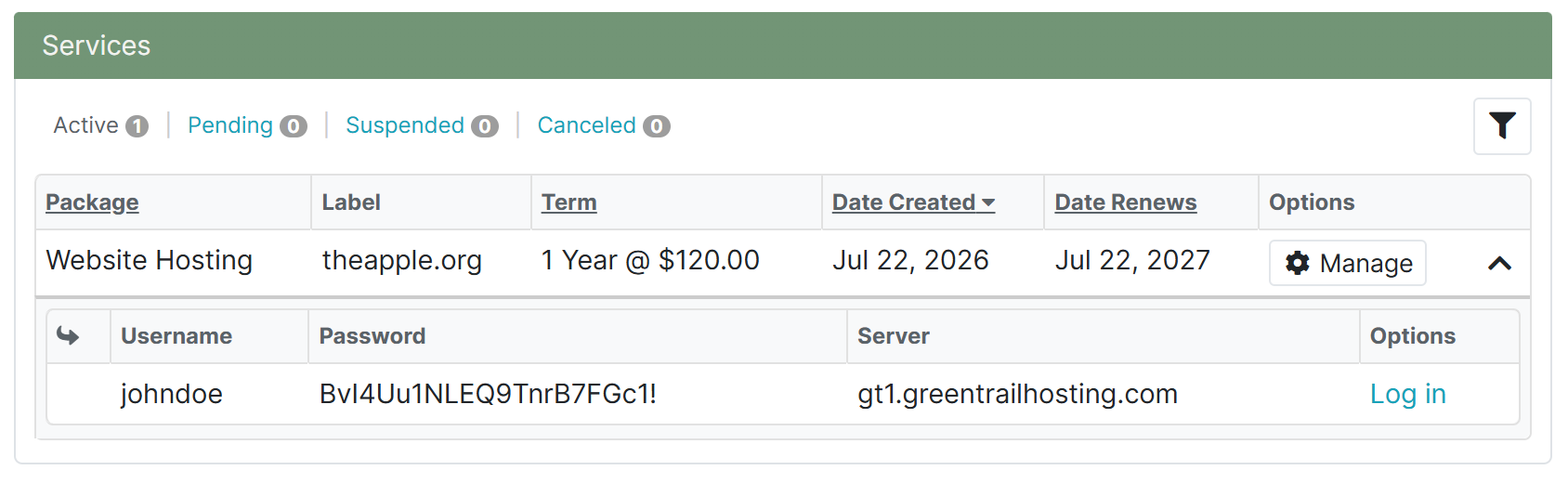
This section also displays your Service Console username and password. You can return here whenever you need to retrieve your login details.
Log In Directly
Go to console.greentrailhosting.com.
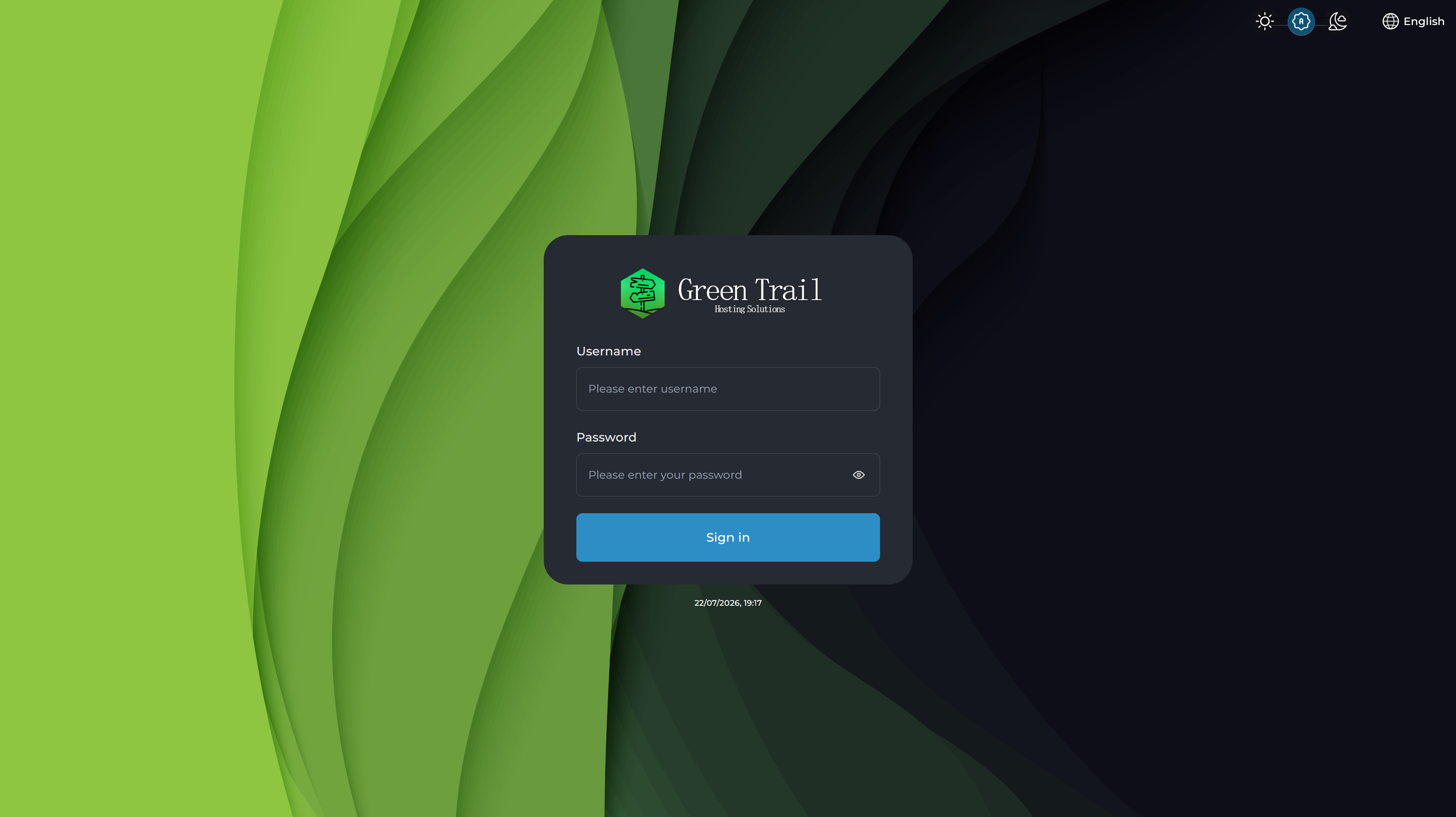
Enter your Service Console username and Service Console password, then select Log In.
The Service Console does not have a forgotten-password option. If you forget your username or password, log in to your billing portal and retrieve the credentials from the Services section.
Service Console Dashboard
After logging in, you will see a grid of tiles containing the tools available for your hosting or DNS Management service.
WordPress Manager
The WordPress Manager is used to manage an existing WordPress installation, create a new WordPress website, and log in to the WordPress administration dashboard.
DNS Management
The DNS Management tool allows you to view and update your domain’s DNS records. This is especially important when connecting services such as Google Workspace or configuring other websites, email systems, and third-party services on your domain.
SSL Certificates
The SSL Certificates tool is where your Let’s Encrypt certificate is generated and managed. An active SSL certificate secures your website and allows visitors to access it using HTTPS.
For an explanation of every tool available in the Service Console, see our Service Console options guide.