This guide explains how to log in to the Green Trail Hosting billing portal, access billing and support information, and securely log out.
Log In from the Green Trail Hosting Website
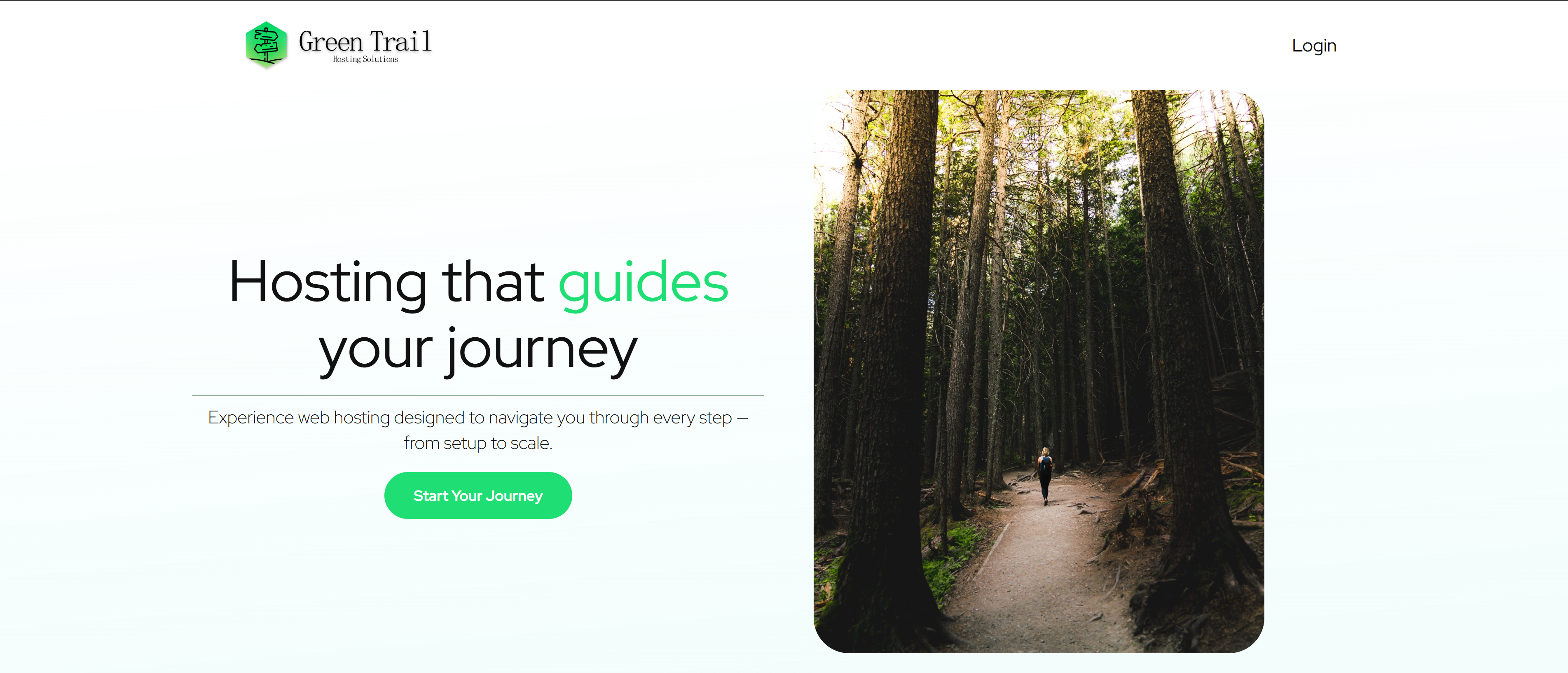
Go to greentrailhosting.com and click Login in the top-right corner of the page.
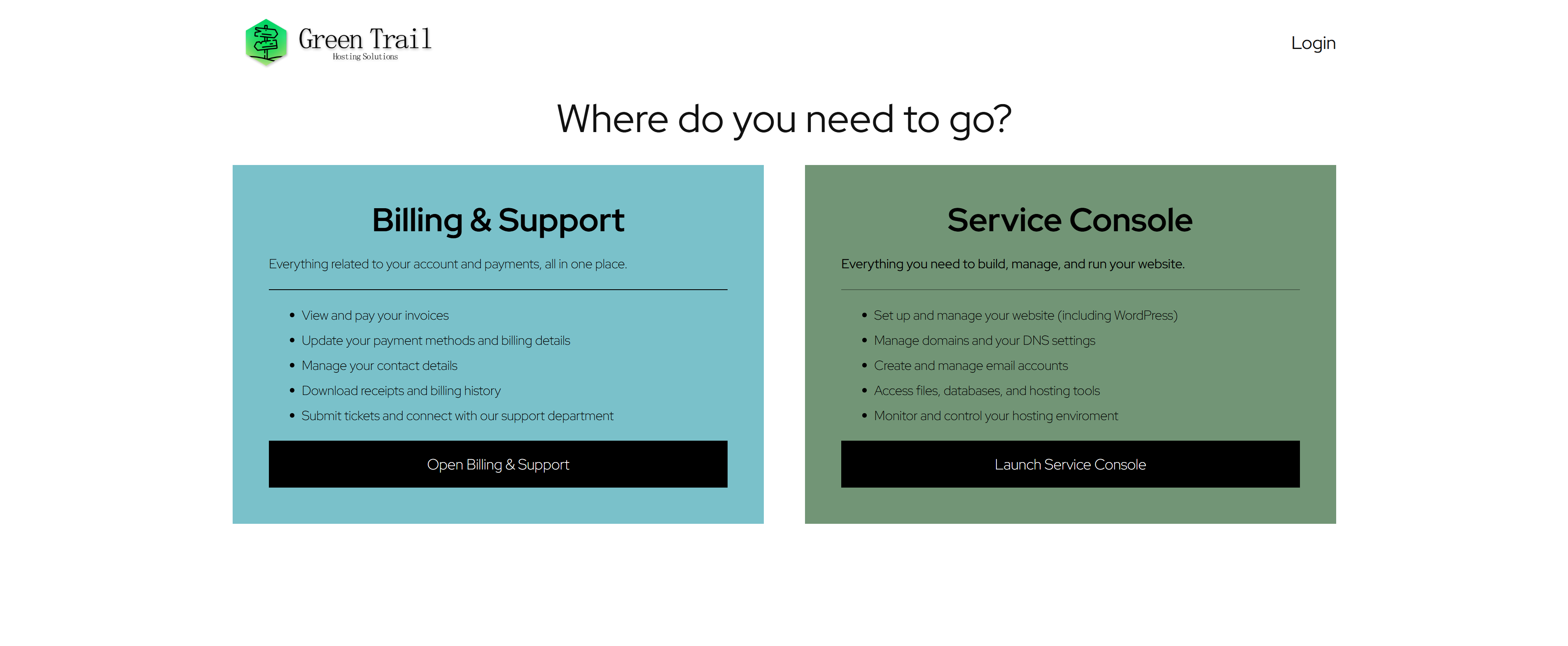
For billing and support, click Open Billing and Support.
Log In Directly to the Billing Portal
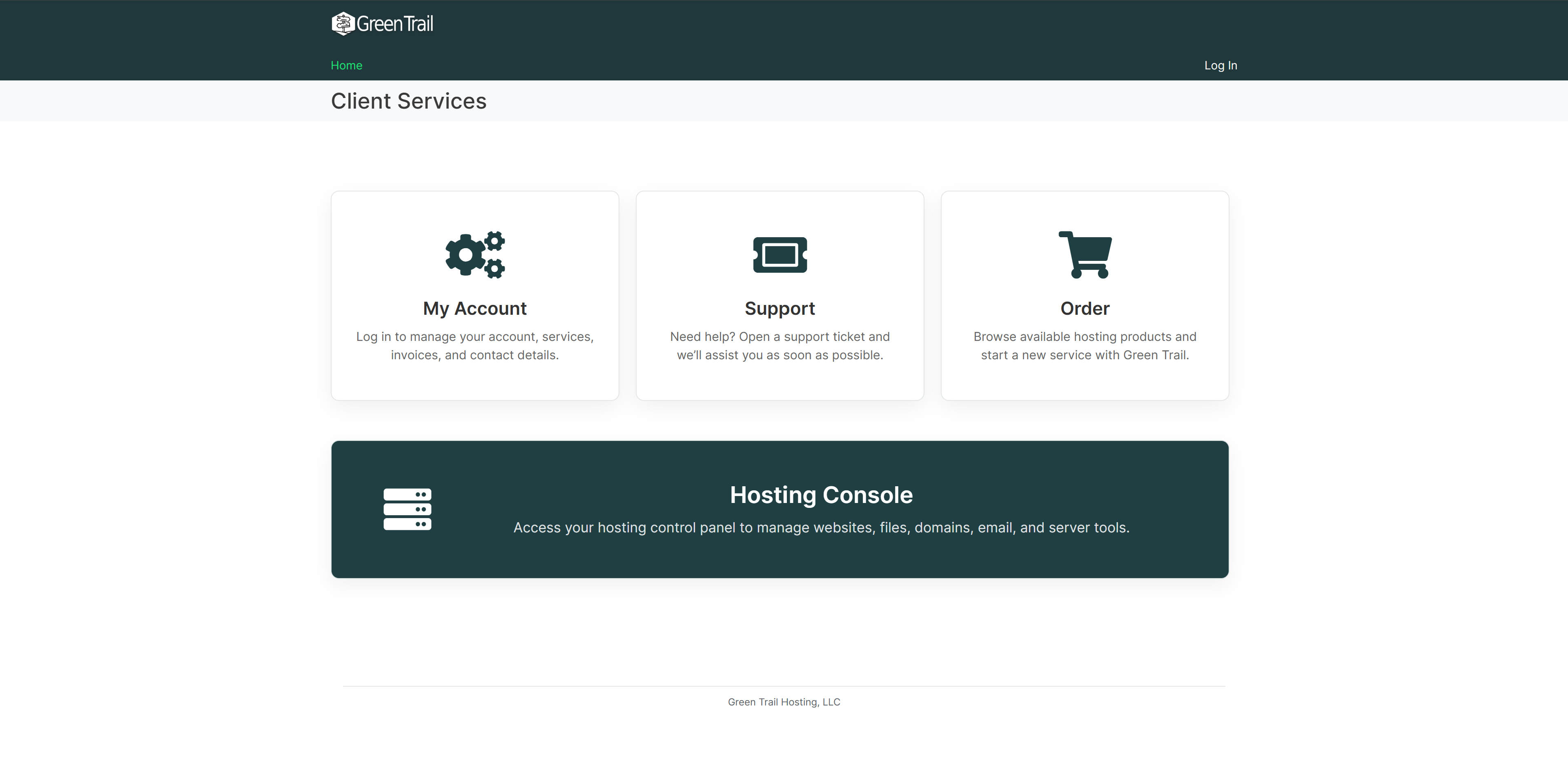
You can also go directly to billing.greentrailhosting.com and click My Account.
Enter Your Login Information
Enter your username and password, then click Login.
- Your username is the email address associated with your Green Trail Hosting billing account.
- Your billing password may be different from your website hosting or Service Console password.
If you cannot remember your login information, use the Forgot My Username or Forgot My Password option on the login page.
Billing Dashboard
After logging in, you will be taken to your billing dashboard.
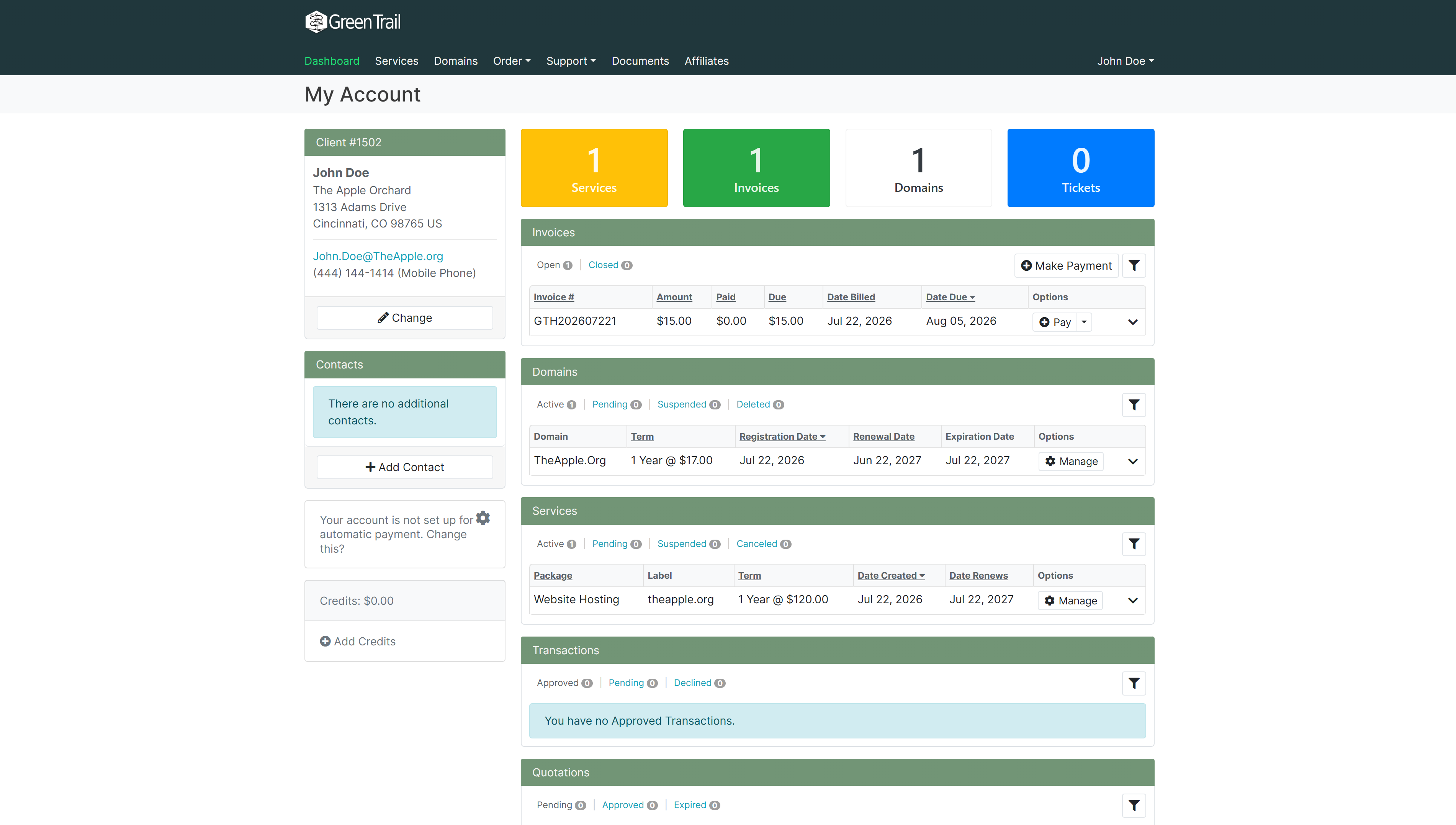
Across the top of the dashboard are four account-summary boxes:
- Services — Your website hosting services.
- Invoices — Your billing invoices.
- Domains — Your registered or managed domains.
- Tickets — Your support tickets.
Click any summary box to view more information about that section. You can also scroll down the dashboard to access your invoices, domains, services, transactions, quotations, and support tickets.
Log Out
To log out of the billing portal, click your name in the top-right corner and select Logout from the drop-down menu.